Facility scheduling
Every space. One calendar. No surprises.
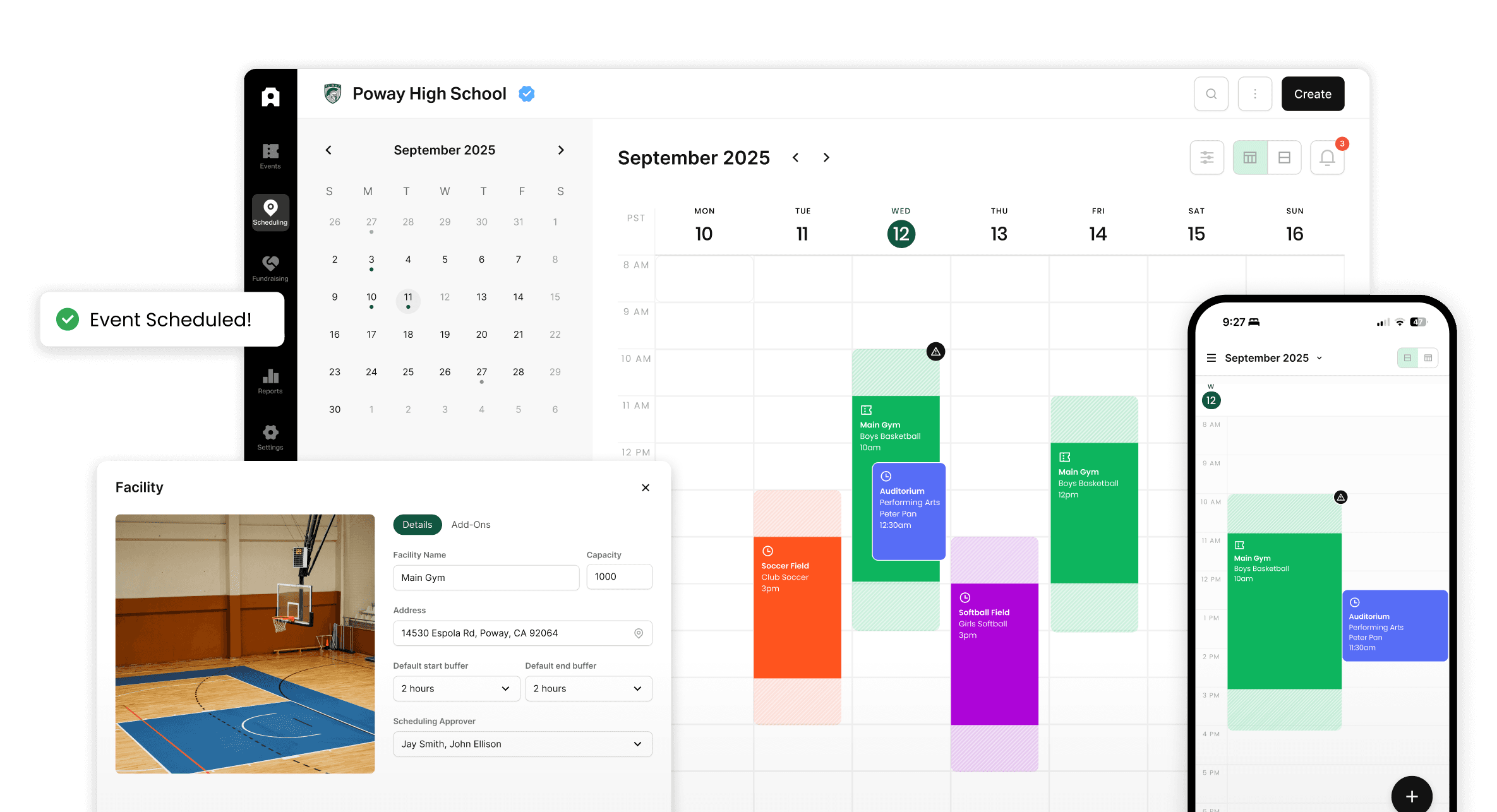
Admittee gives your team a shared calendar for every gym, field, and room — with built-in approvals, conflict prevention, and automatic notifications. Nothing gets double-booked. Nobody's left chasing updates.
Spreadsheets don't prevent double bookings. They document them.
Missed requests. Unanswered emails. No clear record of who approved what. Sound familiar?
See every space at once
One calendar for every gym, field, room, and court. Always know what's happening — without asking around.
Requests reach the right person, automatically
Set approval flows by space or event type. Requests route themselves. Decisions are logged. No more tracking down who approved what.
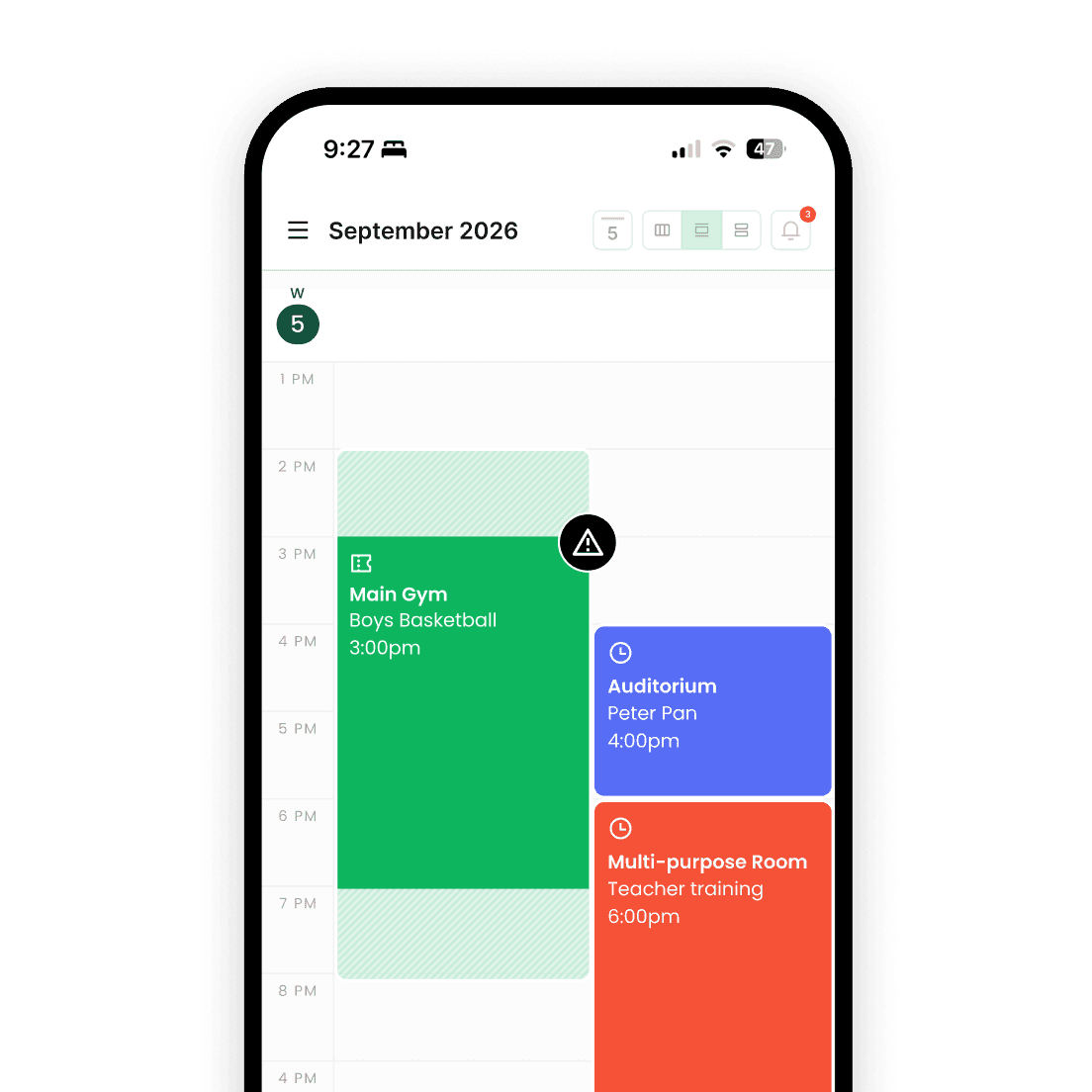
Conflicts caught before they happen
Every request is checked against the calendar — down to individual courts and rooms — before anything gets approved.
Core features
Built for how facilities actually get used
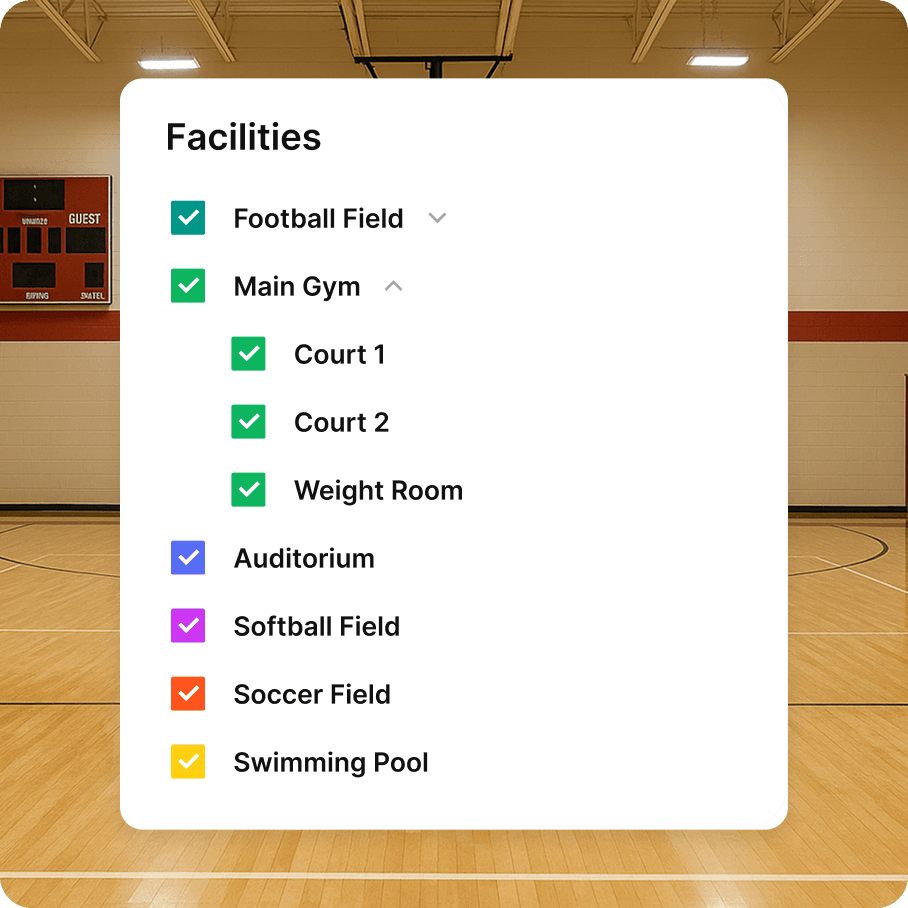
One view for every space on campus
See practices, games, rentals, and rehearsals side by side. Filter by facility, court, or room. Sync with iCal so coaches and staff always have the latest schedule — without logging in every time.
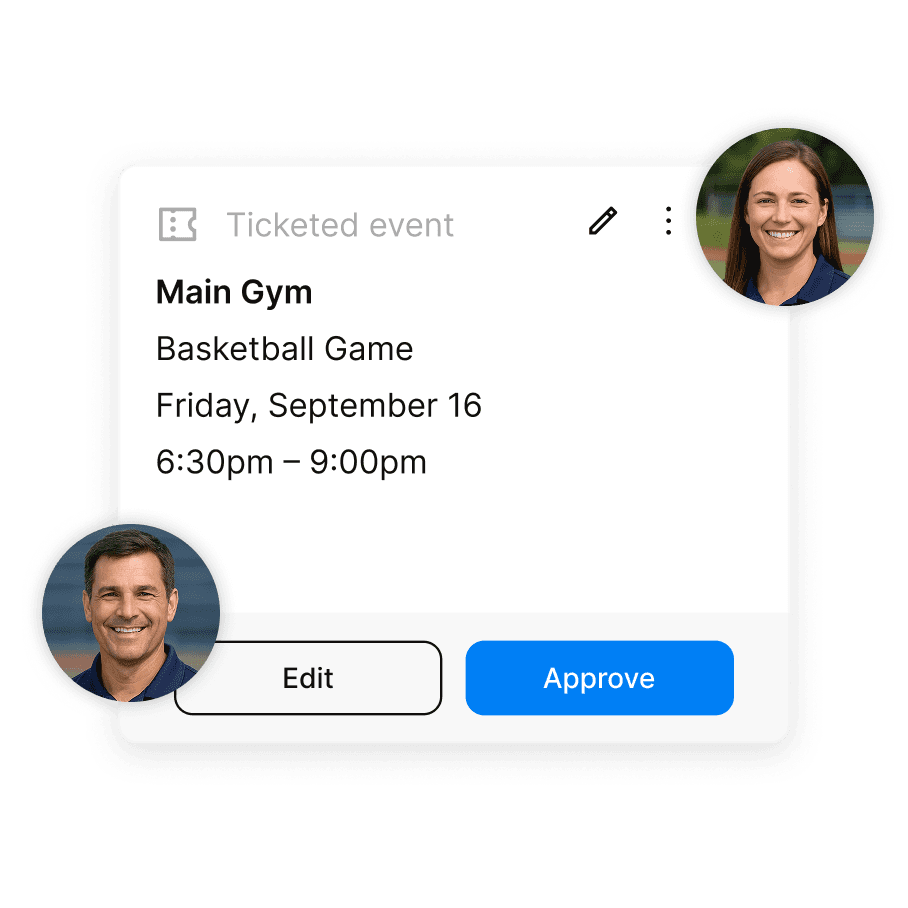
The right request reaches the right person, every time
Create approval flows for each space and assign who can request, review, or override. Requests route automatically, approvals are logged, and everyone stays informed — even when plans change.
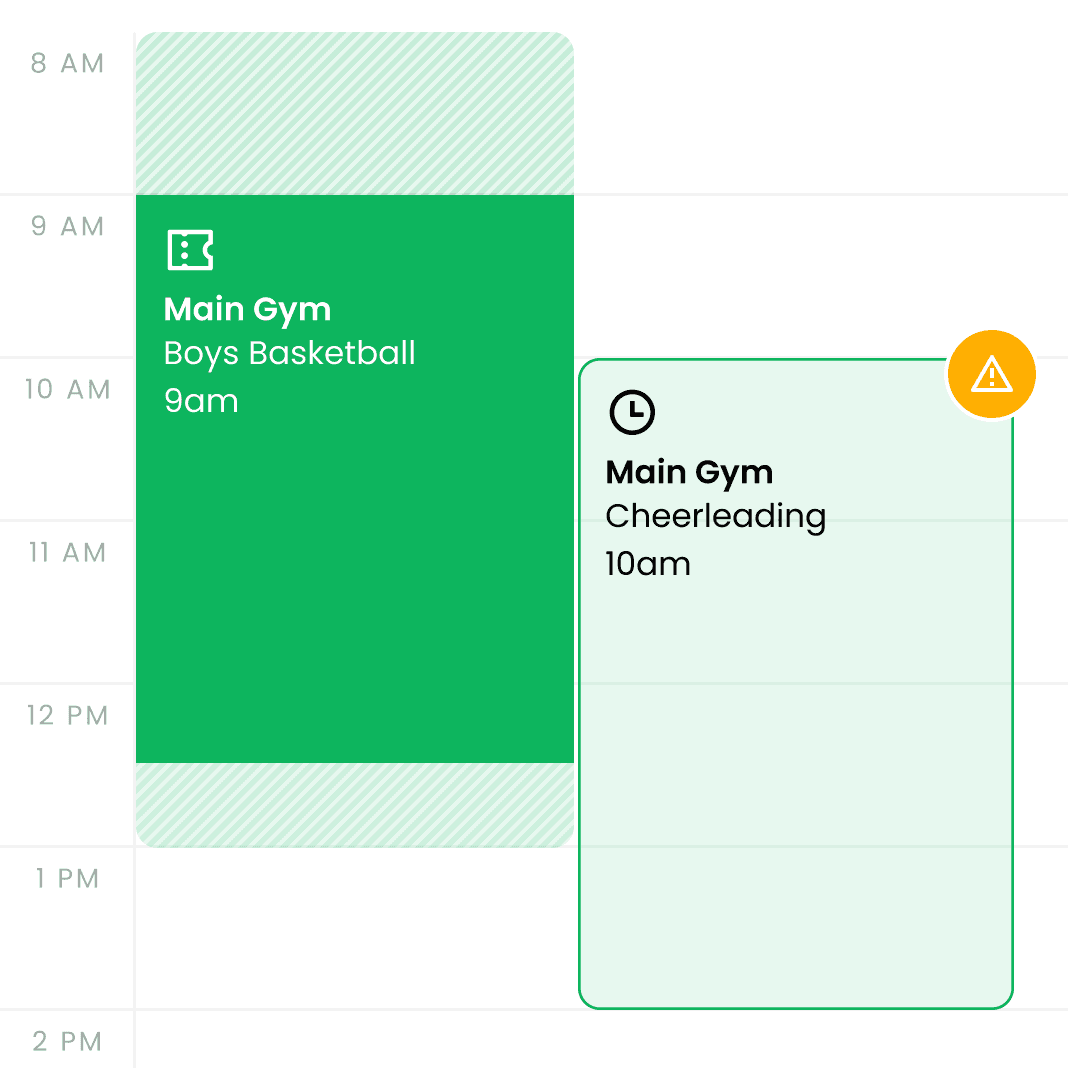
Catch double-bookings before they become a problem
Admittee checks every new request against the existing calendar — down to individual courts and rooms. Smart buffer times prevent back-to-back collisions. If anything changes, the right people get notified automatically.
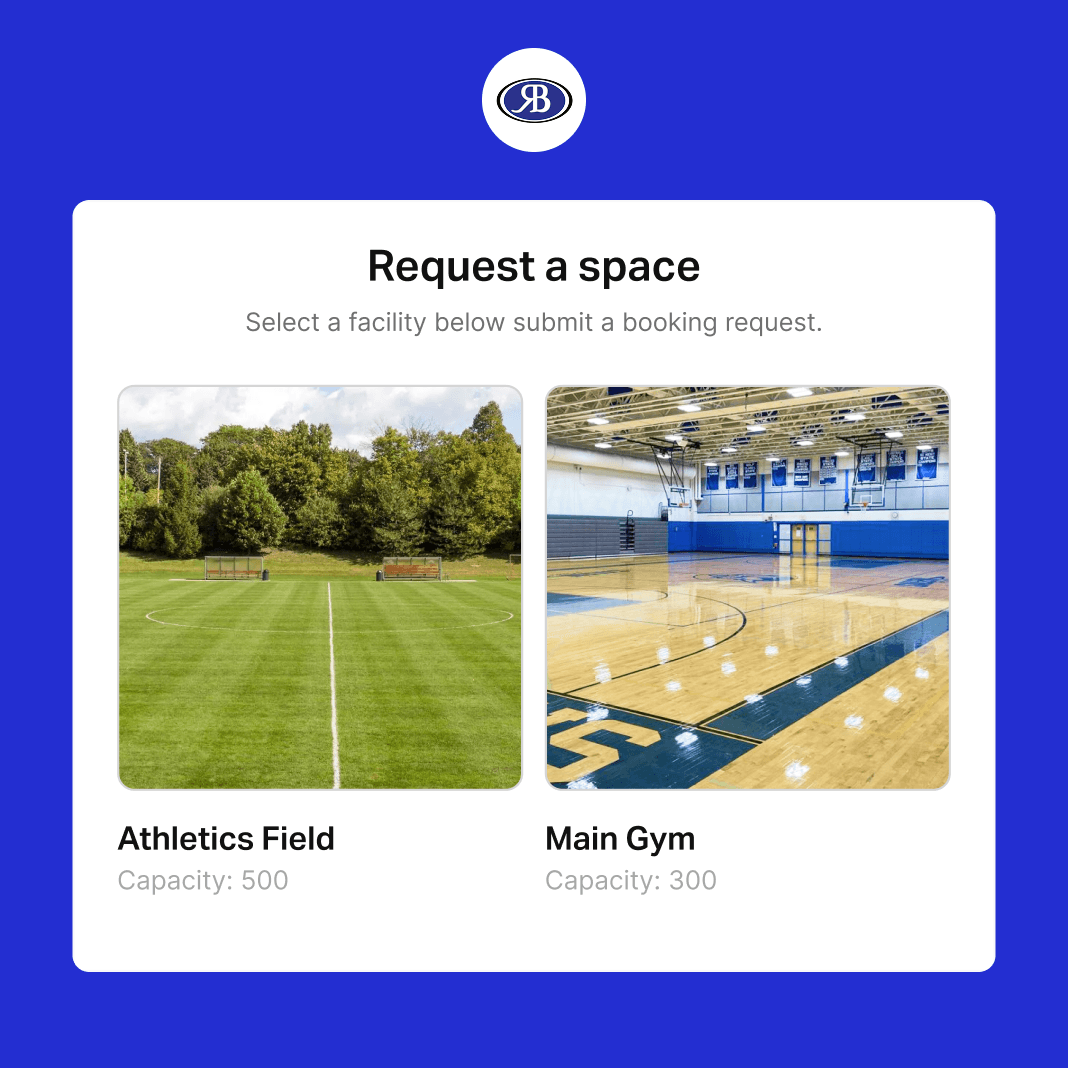
Let outside groups request space, without the phone tag
Share a public request link with community organizations, youth leagues, or private renters. They fill out the details — dates, spaces, event type, and insurance info — and it lands in your approval queue. Review, approve, and invoice when you're ready.
how it works
Up and running in an afternoon
1
Add your facilities
Create gyms, fields, rooms, and courts. Assign approvers and set scheduling rules for each space.
2
Build your approval flows
Choose who can request, who approves, and what triggers a notification. Set it once — it runs itself.
3
Open it up to your team
Staff and coaches submit requests directly. Everything routes, approves, and notifies automatically.
4
Share a request link
Let external groups request space through a public form. Requests land in your queue, ready to review and act on.





Your facilities. One calendar. Finally organized.
Join schools and campus programs that have replaced the spreadsheets.